How to create your own flashcards using artificial intelligence, for example with ChatGPT, from YouTube videos, documents, photos, and notes for an Android app with passive and active learning.
App for personal and public text flashcards 🤖 ANDROID NOTIFYWORD – learns, reads, repeats, and tests while YOU do what YOU LOVE 🎧🚴🕺🎵💃🎮💪
Active and passive learning – AI & Android app.
Creating Flashcards from YouTube Videos.
- Creating a transcript, for example using https://notegpt.io/, from a video on YouTube.
- Provide a prompt for generating flashcards in ChatGPT or another artificial intelligence – Create a list of flashcards from the entire text. Use the format: front – back. Do not use any other dashes or hyphens except for one single dash in each flashcard. One line equals one flashcard. Create complete flashcards covering the entire content of the text. Generate flashcards only on the topic of geography (or another topic, e.g. learning English).
*Sometimes AI may not understand the format, so you can specify it as: front “–” back. - Pasting the transcript text into ChatGPT and generating flashcards.
- Import the generated flashcards into the app via the Import tab, on the web or in the Android app. On the web, importing flashcards from text is possible after creating a new set or editing an existing one.
- For passive and active learning, import the flashcards created on the web into the NotifyWord Android flashcards app.
Example flashcards to import are available in the Import tab on the website or in the Android app. 👇
Creating flashcards from pasted text, photos, notes, and documents.
- Provide a prompt for generating flashcards in ChatGPT or another artificial intelligence – Create a list of flashcards. Use the format: front – back. Do not use any other dashes or hyphens except for a single dash in each flashcard. One line equals one flashcard. Create complete flashcards covering the entire content of the text (from photos or documents), focusing only on the topic of geography (or another topic, e.g., learning English).
*Sometimes AI may not understand the format, so you can specify it as: front “–” back. - Paste the text or upload a photo or document to ChatGPT and generate a list of flashcards.
- Import the generated flashcards into the app via the Import tab, on the web or in the Android app. On the web, importing flashcards from text is possible after creating a new set or editing an existing one.
- For passive and active learning, import the flashcards created on the web into the NotifyWord Android flashcards app.
Creating flashcards using a prompt (without documents or photos).
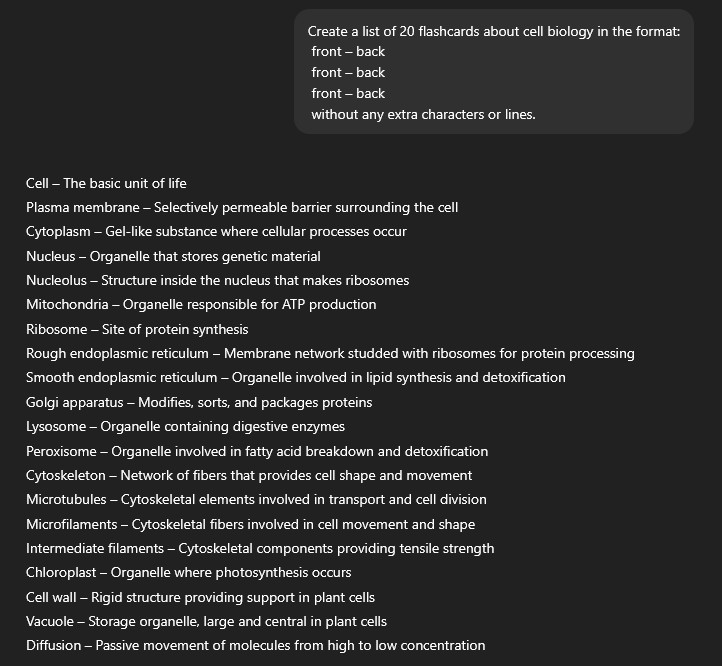
- Provide a prompt for generating flashcards, example prompt in ChatGPT or another artificial intelligence : “Create a list of 20 flashcards about cell biology in the format: front – back, without any additional characters or lines. One line equals one flashcard.” *Sometimes AI may not understand the format, so you can specify it as: front “–” back.
- Import the generated flashcards into the app via the Import tab, on the web or in the Android app. On the web, importing flashcards from text is possible after creating a new set or editing an existing one.
- For passive and active learning, import the flashcards created on the web into the NotifyWord Android flashcards app.
Creating flashcards for learning different languages.
Instructions for creating sample flashcards in ChatGPT for learning popular languages: links.
- English flashcards for active and passive learning 🇬🇧 🇺🇸 .
- French flashcards for active and passive learning 🇫🇷 .
- German flashcards for active and passive learning 🇩🇪 .
- Korean flashcards for active and passive learning 🇰🇷 .
- Italian flashcards for active and passive learning 🇮🇹 .
- Japanese flashcards for active and passive learning 🇯🇵 .
- Polish flashcards for active and passive learning 🇵🇱 .
- Spanish flashcards for active and passive learning 🇪🇸 .
🔄 What if the flashcards don’t turn out perfectly?
Sometimes flashcards generated by artificial intelligence may not fully match your learning style — they might be too simple, too difficult, or just “not quite right.” And that’s OK 👍
You have several options:
- ✏️ Edit the flashcards manually — adjust definitions, examples, or translations exactly the way you want
- 🤖 Switch the model in ChatGPT — different models generate flashcards in slightly different styles (more concise, more precise, or more creative)
- 🔁 Generate flashcards in another AI, then import them into NotifyWord
This way, you have full control over how your flashcards look and work.
🔗 NotifyWord Android Flashcards App
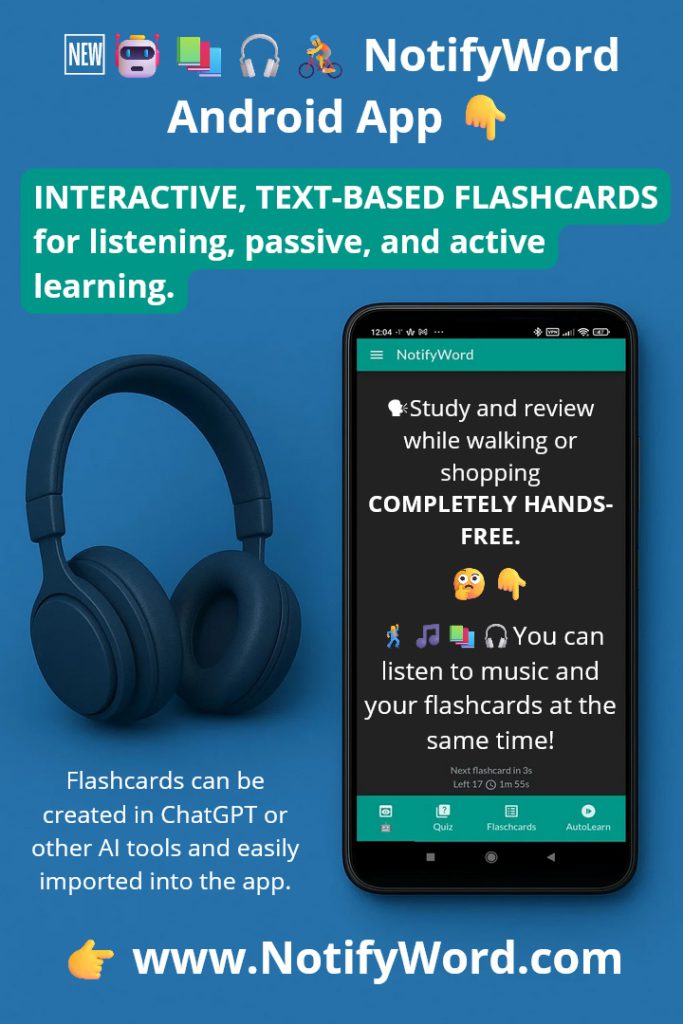
Listen to your flashcards – on your way to work or school, with music in the background.
Interactive, text-based flashcards for listening, supporting both passive and active learning.
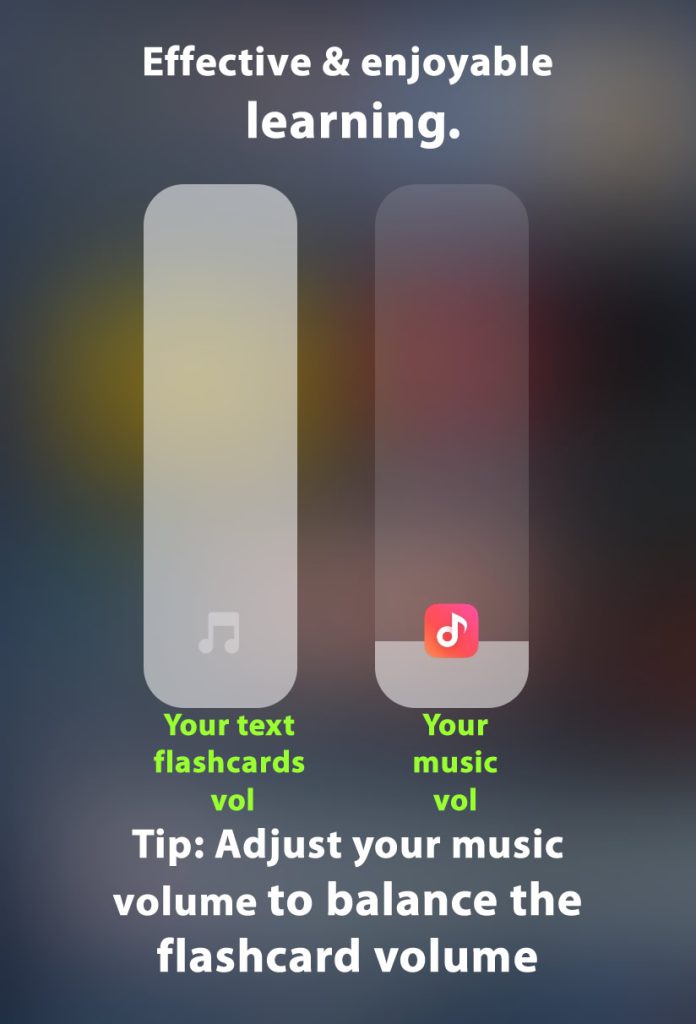
Study and review material while walking or shopping – no need to touch your phone. You can listen to music and your flashcards at the same time!
Learning modes:👇
🧠 Active learning – interactive flashcards perfect for quizzes, self-testing, and answer-based reviews. They help train memory, associations, and answer formulation.
🎧 Passive learning – flashcards for listening and automatic display. The app reads them aloud and shows them automatically. Great for getting used to a language and reinforcing content without active tapping.
🚀 Autolearn – passive learning mode
Reads and displays flashcards in various ways: no boredom, no tapping. Offers multiple speed options, voices, languages, different orders, marking learned cards, adding favorites, and a reversed flashcard mode (swap front and back).
💛 Favorites – you can mark favorite flashcards from different sets to study them first.
Flashcards are small paper or digital cards used for learning and memorization. One side usually contains a question, word, or term, while the other side has the answer, definition, or translation. They are commonly used for learning foreign languages, subject-specific terminology, historical dates, and other information that requires memorization. Flashcards are popular because they enable effective, repetitive learning and self-testing.