Tag: Active and Comfortable Learning

  • Learning foreign languages – generating flashcards for language learning in various ways, from photos, images, and text, for the mobile app NotifyWord in ChatGPT.

    Learning foreign languages – generating flashcards for language learning in various ways, from photos, images, and text, for the mobile app NotifyWord in ChatGPT.

    Instruction on how to create flashcards for the mobile app NotifyWord in ChatGPT from a photo, image, or text 👇

    Do you want to quickly create flashcards for learning in the NotifyWord app? With the help of ChatGPT, you can turn a photo of vocabulary, phrases with translations, notes, or text into a ready-to-use set of flashcards in the correct format within minutes.


    Step 1: Take a photo

    Take a photo of a list of words, phrases with translations, a textbook fragment, or notes that you want to turn into flashcards.

    Step 2: Upload the photo to ChatGPT

    Upload the photo to ChatGPT and type this exact command:

    Generate flashcards for learning [language/topic] in the format: front " - " back.
    Do not use any other additional characters.

    Step 3: Check the generated flashcards

    ChatGPT will create a list of flashcards in the correct format. Make sure it looks right, for example:

    perro - dog
    gato - cat
    casa - house

    Step 4: Copy the flashcards

    Select and copy the list of flashcards from ChatGPT’s response.

    Step 5: Import into NotifyWord

    Go to the Import section — on the website (to save and later download the flashcards to the app on your phone) or directly in the mobile app — and paste the copied flashcards there.

    Step 6: Click import and you’re done!

    Your flashcards are now saved in NotifyWord. You can start using quizzes, interactive flashcards, and Autolearn — passive learning.


    Tip: You can reuse the command as many times as you like, only changing [language/topic]. Remember, the flashcards should be written without additional quotation marks — exactly as in the example above.

    Sample ChatGPT commands for creating thematic flashcards at different proficiency levels, covering the most popular languages (including English, Spanish, German, French, Japanese, Swedish, Italian, and Korean), can be found directly on the NotifyWord app website.

    After importing flashcards into the mobile app NotifyWord app, you can study in various ways.

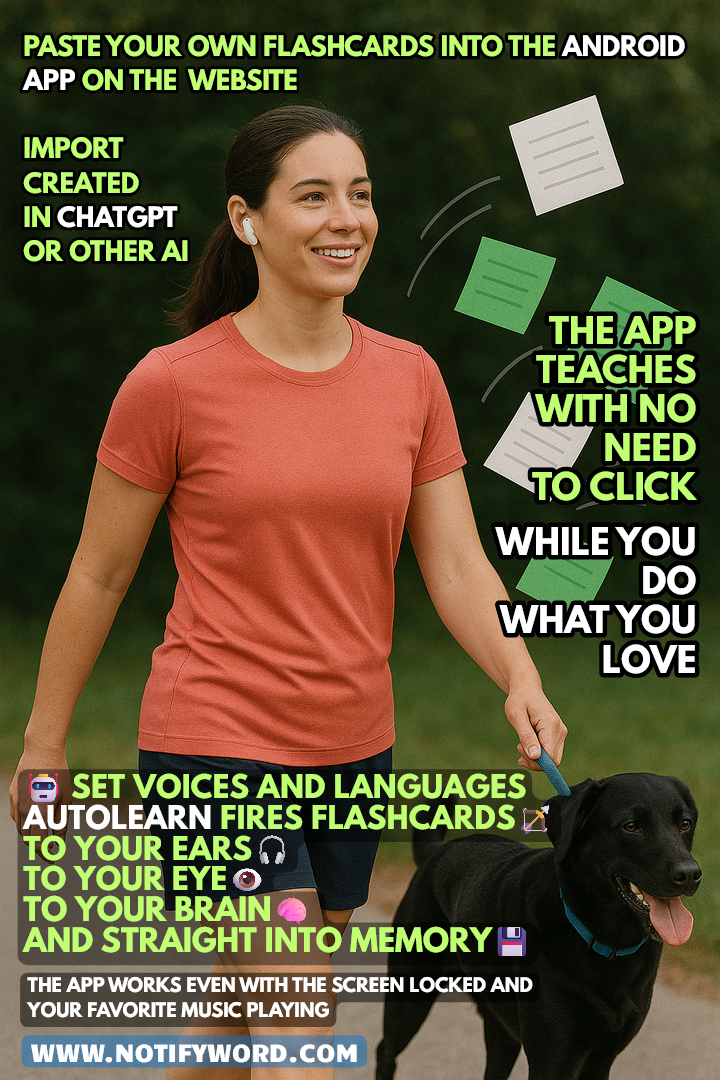
    👉 AUTOLEARN – passive mode – works without touching your phone, firing flashcards straight to your ears 🎧, eyes 👁️, brain 🧠, and memory 💾.
    👉 Quizzes – active mode – require interaction.
    👉 Interactive Flashcards – multiple browsing options, mark favorites or learned items, use Google Translator, text-to-speech (TTS), and choose languages and voices for the front and back of your cards.

    🧠 Active Learning – flashcards ideal for quizzes, tests, and recall practice. They help strengthen memory, associations, and answer formulation.

    🎧 Passive Learning – flashcards for listening and quick viewing. The app reads them aloud and displays them automatically. Perfect for immersing yourself in a language and reinforcing knowledge without active effort.

    📲 You’ll find the link to the mobile app NotifyWord at 👉 NotifyWord.com

    * Flashcards are small cards (physical or digital) used for learning and memorization. One side usually contains a question, word, or concept, and the other side holds the answer, definition, or translation. They’re widely used for learning foreign languages, terminology, historical dates, and other knowledge that requires memorization. Flashcards are popular because they enable effective, repeatable learning and easy self-testing.

    Learn French mobile app Flashcards App
    Language learning with artificial intelligence and a flashcard mobile app.
  • Language learning at work or on vacation – the mobile app teaches without clicking.

    Language learning at work or on vacation – the mobile app teaches without clicking.

    The mobile app turns formatted text into flashcards and teaches you while you listen to music, relax, walk, shop, work, or scroll the internet.

    The app reads and displays flashcards, repeating them so you can remember – even while listening to music or doing other things.

    💡 AutoLearn – a learning system that reads, shows, and repeats your flashcards exactly the way you like: selected voices, languages, speed, order, pauses, and reverse memorization mode.

    Mark what you’ve already learned, set favorites, and choose different voices and languages for the front and back of the card.

    👉 Instructions on how to quickly and easily create your own flashcards (on the website or mobile app) 🧠💡, import them from text 📄, photos 📸, or images 🖼️ using ChatGPT 🤖 are available on our website 🌐✨

    You can create and import flashcards on the website in several ways, tag them 🏷️, and share with others via link 🔗.

    The mobile app fires flashcards to your ears, your eyes, your brain.

    It works even with the screen locked and music playing in the background – super convenient, effective, no clicking, and no boredom.

    To truly learn and retain knowledge, you need to come back to the material – read, listen, repeat. Our app does it for you: it reads aloud, shows flashcards, and repeats – all without touching your phone.

    🏹 AUTOLEARN fires flashcards – into your ears 🎧, your eyes 👁️, your brain 🧠, and straight into your memory 💾.

    You can listen to flashcards and music at the same time 🎧🧠.

    #LearnWhileWalking #LearnWithMusic #MoveAndLearn

    👉👉👉 NotifyWord 👈 com